CONNECT AN AGENT
ChatGPT
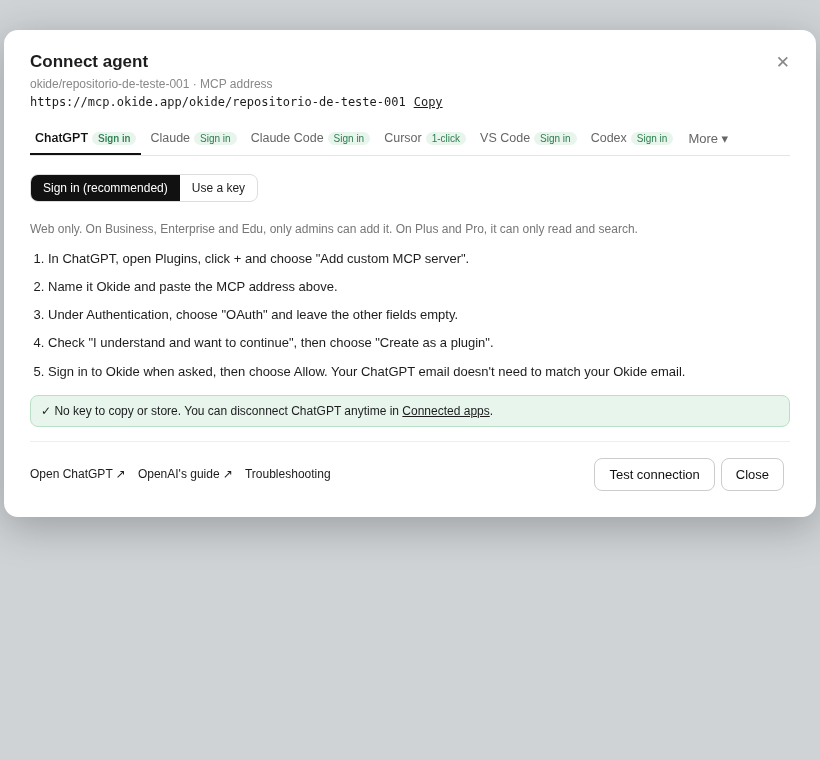
Web only. On Business, Enterprise and Edu, only admins can add it. On Plus and Pro, it can only read and search.
Sign in (recommended) or use a key.
- In ChatGPT, open Plugins, click + and choose "Add custom MCP server".
- Name it Okide and paste the MCP address.
- Under Authentication, choose "OAuth" and leave the other fields empty.
- Check "I understand and want to continue", then choose "Create as a plugin".
- Sign in to Okide when asked, then choose Allow. Your ChatGPT email doesn't need to match your Okide email.
No key to copy or store. You can disconnect ChatGPT anytime in Connected apps.