CONNECT AN AGENT
Claude
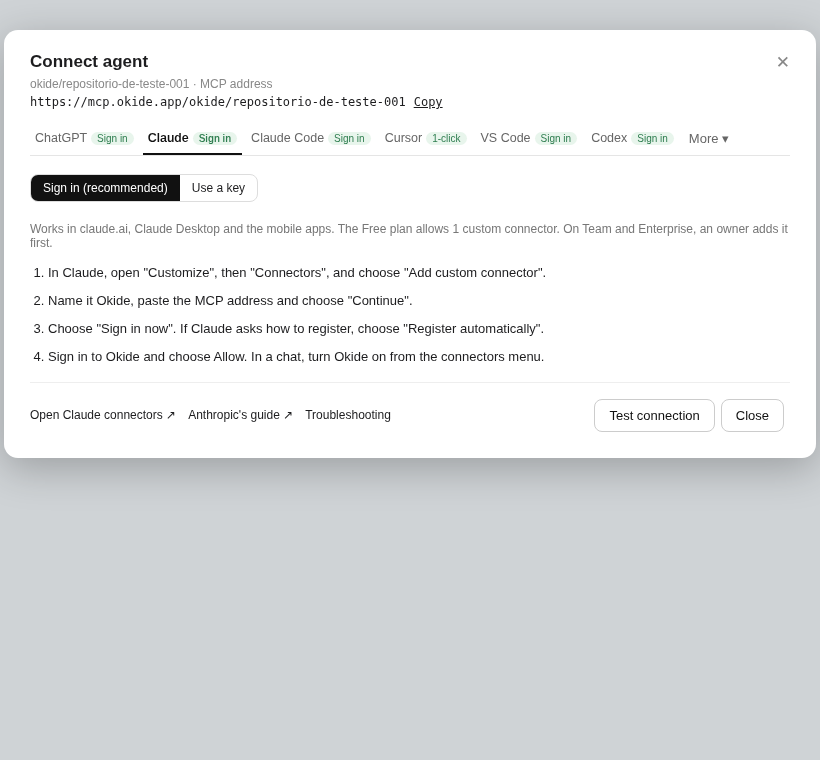
Works in claude.ai, Claude Desktop and the mobile apps. The Free plan allows 1 custom connector. On Team and Enterprise, an owner adds it first.
Sign in (recommended) or use a key.
- In Claude, open "Customize", then "Connectors", and choose "Add custom connector".
- Name it Okide, paste the MCP address and choose "Continue".
- Choose "Sign in now". If Claude asks how to register, choose "Register automatically".
- Sign in to Okide and choose Allow. In a chat, turn Okide on from the connectors menu.