CONNECT AN AGENT
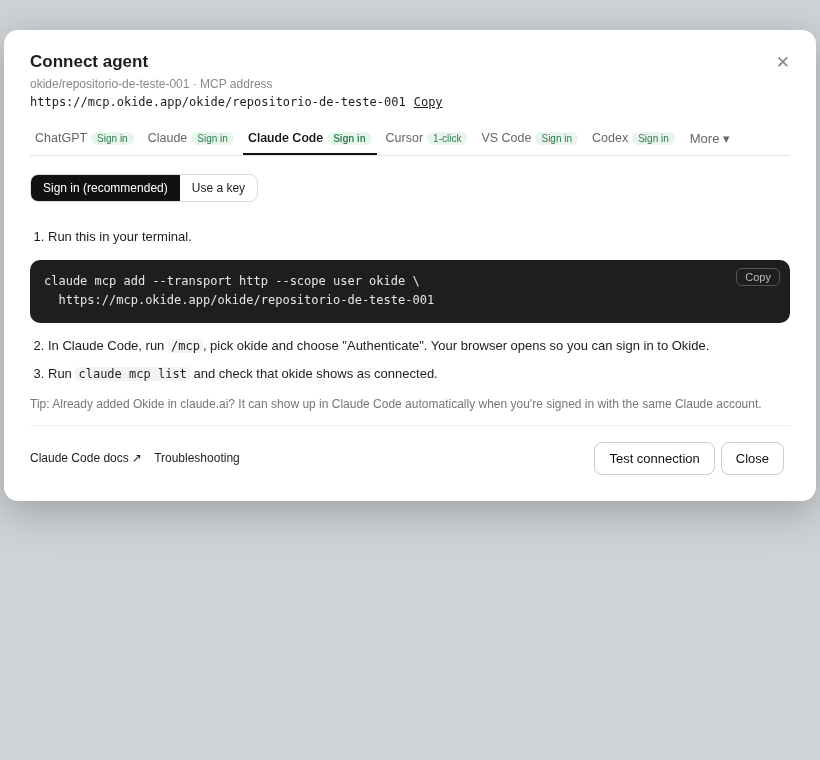
Claude Code
Sign in (recommended), or use a key.
Sign in (recommended) or use a key.
- Run claude mcp add --transport http --scope user okide and paste the MCP address.
- In Claude Code, run /mcp, pick okide and choose "Authenticate". Your browser opens so you can sign in to Okide.
- Run claude mcp list and check that okide shows as connected.
Already added Okide in claude.ai? It can show up in Claude Code automatically when you're signed in with the same Claude account.