CONNECT AN AGENT
Cursor
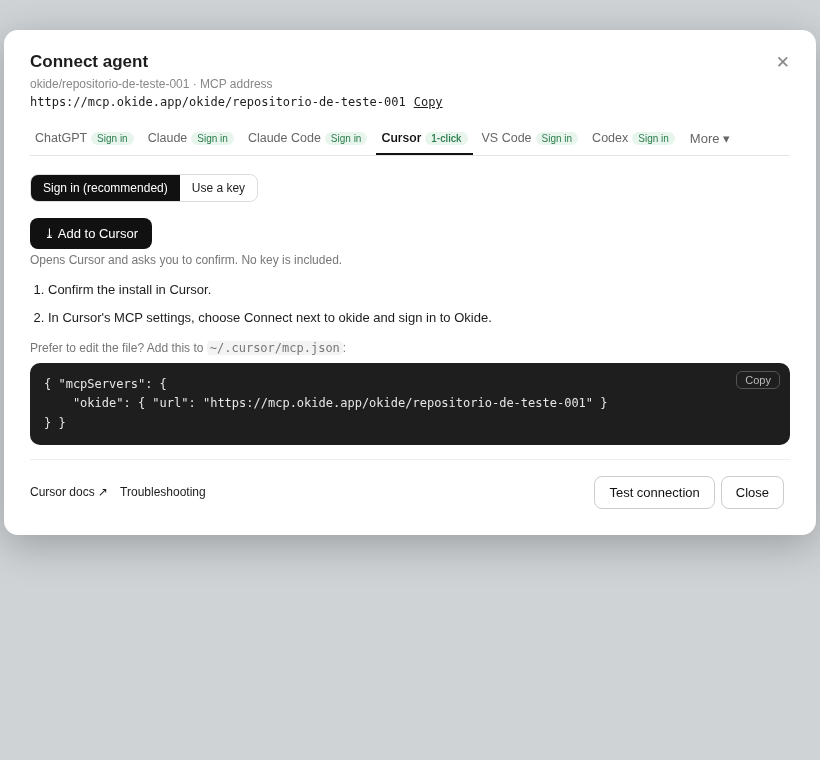
Sign in from Cursor. No key is included in the one-click install.
Sign in (recommended) or use a key.
- Confirm the install in Cursor.
- In Cursor's MCP settings, choose Connect next to okide and sign in to Okide.
- Prefer to edit the file? Add the address to ~/.cursor/mcp.json. The block has the name and the address only.
If port 8787 is already in use, close the process that is using it, or use a key.